Apple is adding a camera-based face unlock to the iPhone Duo, its first foldable iPhone, which has relied on a fingerprint sensor since it went on sale in Australia on 23 October. The feature, called “Unlock with Front Camera”, appeared in a test version of iOS 27.3 released to developers early on Tuesday morning Australian time. It is not Face ID, it only works in limited situations, and Apple has acknowledged it doesn’t have the same protections as the phone’s existing security.
Here is what the feature does, what Apple has said about how secure it is, when Australian owners can expect it, and whether you should switch it on. If you are still weighing up the A$3,499 foldable, our iPhone Duo Australian pre-order guide covers pricing and carrier deals.
Why the iPhone Duo has no Face ID
Every recent flagship iPhone unlocks by scanning your face. The iPhone Duo doesn’t. Apple’s Australian iPhone Duo page says: “iPhone Duo uses Touch ID, which is integrated into the side button.” According to TechCrunch, the foldable’s thin design leaves no room for the TrueDepth sensors that Face ID needs, and the reliance on Touch ID has been one of reviewers’ most common complaints about the phone.
TechCrunch also notes a recent Bloomberg report that Apple is working to bring Face ID to a future iPhone Duo. That is a report, not an Apple announcement, and it wouldn’t help anyone who already owns the current model.
What “Unlock with Front Camera” does
The new option uses the ordinary front-facing camera on the phone’s outer display to recognise your face. Based on hands-on testing by MacRumors, Gizmodo and 9to5Mac, it comes with several limits:
- Lock Screen only, phone closed. It unlocks the Duo when it is folded shut. When the phone is opened out, you still need Touch ID or your passcode, and Gizmodo reports it uses the outer-display camera, not the under-display camera on the inner screen.
- Not for payments or passwords. Apple Pay, saved passwords and logins still require Touch ID.
- A recent Touch ID or passcode is required. Face unlock only works if you have recently authenticated with Touch ID or your passcode, and after about 45 minutes of inactivity you need to use Touch ID or your passcode again before it will work.
- It needs light. Because it uses a standard camera rather than Face ID’s infrared hardware, it struggles in the dark. In its hands-on test, MacRumors found that “You aren’t going to have much luck in a dark room because it’s just using the standard front camera”, though it worked “fairly well” in decent lighting.
According to Gizmodo and MacRumors, the setting sits in the Settings app under Touch ID & Passcode. Gizmodo also reports that when it recognises you, the phone unlocks but stays on the Lock Screen, so you still swipe up to reach your apps.
How secure is it? What Apple says
This is the part owners should pay attention to. As TechCrunch puts it: “To be clear, this feature is not Face ID.” Face ID projects more than 30,000 invisible infrared dots to build a 3D map of your face, which makes it hard to fool with a photo. A normal camera sees only a flat image.
Apple told Gizmodo by email that “Unlock with Front Camera” does not have the same protections as Face ID or Touch ID. Gizmodo reports Apple also said the feature is about as accurate as Touch ID, which Apple has long rated at a 1 in 50,000 chance that a random person could unlock your phone, and described it as one of the most secure face unlock features using a standard RGB camera. For comparison, Apple rates Face ID at 1 in 1,000,000. Apple hasn’t published detailed testing for the new feature, and we haven’t been able to test it independently.
Those limits look like Apple’s way of managing that risk: face unlock gets you past the Lock Screen of a phone you have recently unlocked properly, while anything involving money or passwords still needs your fingerprint.
Another fix: lock the phone when you close it
iOS 27.3 also adds an option to lock the iPhone Duo when you fold it shut, instead of carrying what you were doing over to the outer display. MacRumors says it is under Display & Brightness in Settings. TechCrunch notes that some early adopters had been using a Shortcuts automation to get the same behaviour.
Separately, Apple marketing chief Greg Joswiak said on Monday (US time) that more than 200,000 apps are now optimised for the Duo’s displays, up from 100,000 earlier this month, MacRumors reported.
When Australians will get it
The feature is in the second developer beta of iOS 27.3. 9to5Mac reported its release shortly after 1pm US Eastern time on Monday 16 November, which was just after 5am AEDT on Tuesday 17 November, and Apple’s developer release notes now refer to iOS 27.3 beta 2. TechCrunch says the update will reach public beta testers soon.
For everyone else, The Verge reports that Apple said last month iOS 27.3 would launch publicly in December, and MacRumors says: “These features are in the latest developer beta and will be available to everyone when iOS 27.3 is released in December.” Apple hasn’t given an exact date, and features in a beta can change or be dropped before release.
There is a small extra for Australians in the same update. MacRumors reports that Apple News+ subscribers in Australia will get a daily quick crossword, crossword mini, Sudoku and Apple’s own Quartiles and Emoji Game puzzles when iOS 27.3 arrives.
What iPhone Duo owners should do
- Don’t rush to install the beta. Developer betas are unfinished software. Unless you have a spare device for testing, wait for the full iOS 27.3 release in December.
- Keep up with regular updates in the meantime. Security fixes keep arriving in point releases, like the iMessage and Bluetooth fixes Apple shipped earlier this month, so stay on the latest public version.
- Think before you switch it on. Once the update arrives, face unlock is optional. If someone close to you looks a lot like you, or you keep sensitive information on your phone, you may prefer to stick with Touch ID alone, given Apple’s own statement that the feature has weaker protections than Face ID or Touch ID.
- Try the lock-on-close setting. If you have been annoyed that the Duo carries what you were doing over to the outer screen when you fold it, the new Display & Brightness option should fix that, without changing your security settings.
Our read
This is a sensible stopgap rather than a fix. Apple is clearly listening to Duo owners, and adding a convenience feature through software is better than telling people paying from A$3,499 to wait for new hardware. The guardrails, especially the 45-minute timeout and keeping Apple Pay behind Touch ID, suggest Apple knows a flat camera image is a weaker lock than the Face ID it has promoted for years. For most owners, it will be handy for checking notifications on the outer screen. But it is a little awkward to see Apple ship the kind of 2D face unlock it once held up as the weaker alternative to Face ID, and we would like to see Apple publish more detail on how it was tested before recommending it to anyone who relies heavily on their phone’s security.
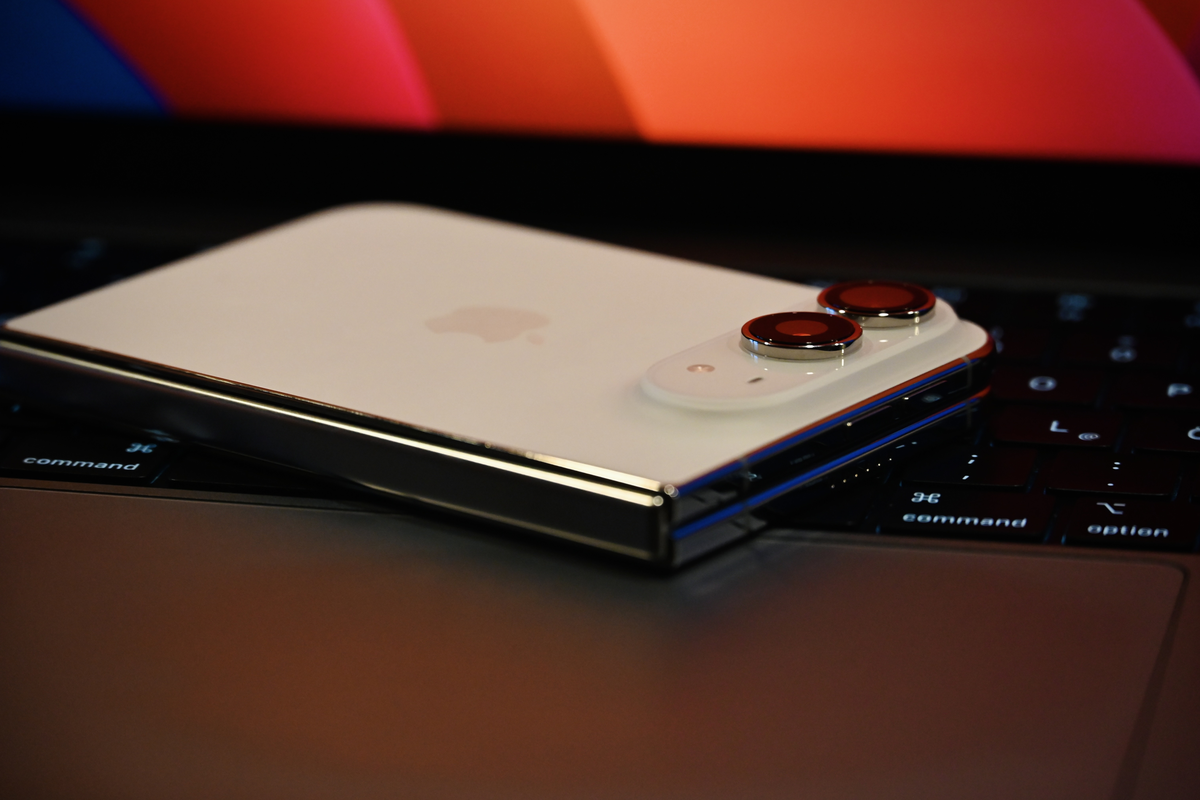
Featured image: An iPhone Duo, folded, resting on a laptop keyboard. Photo: SimonWaldherr, via Wikimedia Commons, licensed CC BY 4.0; trimmed 6 pixels in width, resized and converted to PNG. Illustrative only; it does not show the face unlock feature.