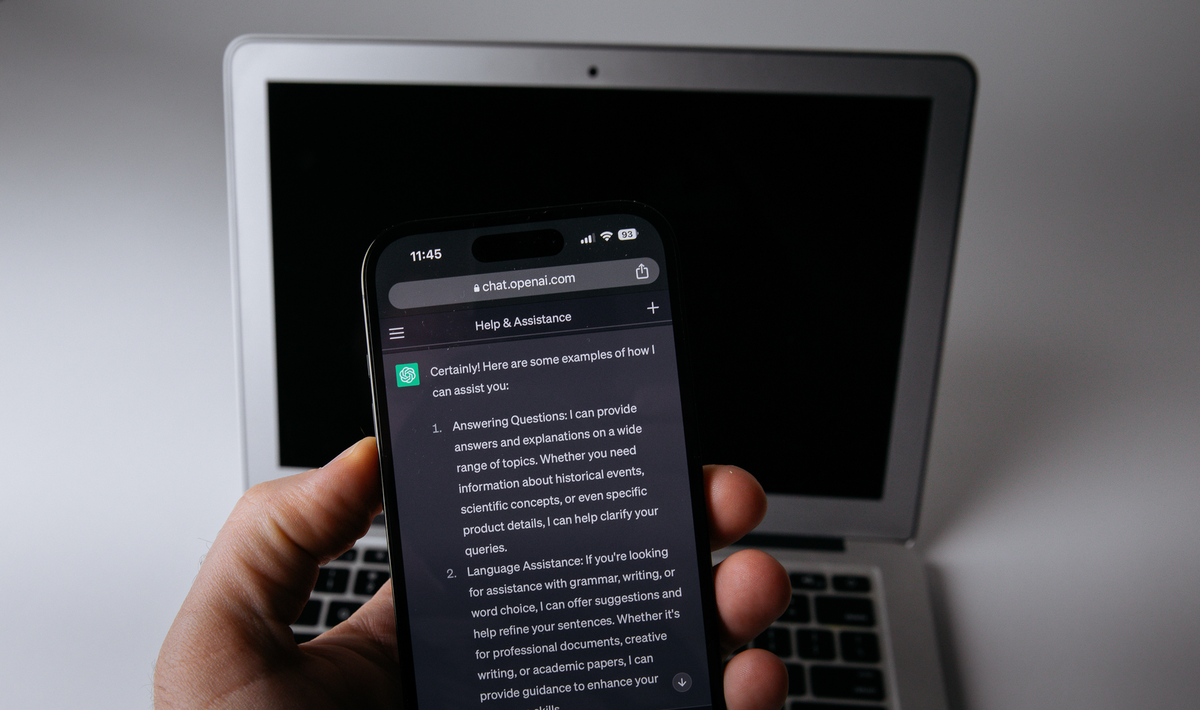
OpenAI’s image generator can now make things move. Images 2.6, announced on 4 November, adds GIF creation to ChatGPT and Codex, along with faster generation and two new models for developers. OpenAI says it is available globally across all ChatGPT and Codex subscription tiers on desktop, mobile and web.
It’s a modest-sounding update with a clear commercial logic. OpenAI pitches the GIFs at marketers and creators who want to “animate a brand mascot for a campaign, create reactions and memes for social media, or use animated storyboards to explore character movement before video production”.
Short loops, not video
The most revealing part of the announcement is the example prompts OpenAI published alongside it. Both ask the model to “create a single animation sprite sheet for a seamless looping GIF” with “exactly 6 sequential frames arranged in a precise 3-column by 2-row grid”, and spell out a fixed camera, the same character and the same background in every panel.
That tells you what kind of motion this is. These are short, repeating animations built frame by frame, closer to a sticker or a reaction GIF than to the generated video clips OpenAI and its rivals have been chasing elsewhere. OpenAI hasn’t published limits on frame counts or length, so it’s not clear how far beyond those examples the feature stretches.
Within that format, the controls matter. PCMag Australia and Gadgets 360 report that users can start from a text prompt or a photo, then change playback speed and edit individual frames before sharing. Gadgets 360 also reports that ChatGPT can now save and tag reference images of people, pets and characters, so the same subject can be reused without uploading it each time. Those details don’t appear in OpenAI’s main announcement post, so they’re best treated as reported features until they show up in your own account.
The developer story is about cost and control
For developers, the bigger change is a split in the API between two models. OpenAI says GPT-Image-2.6 Flare can produce an image “in as little as six seconds” when quality is set to low, while GPT-Image-2.6 Sunburst offers higher quality and “even greater image consistency across edits” at medium or high settings. OpenAI also claims Images 2.6 generates images 50% faster than before, a figure it hasn’t broken down by model or setting.
That’s a familiar pattern in AI pricing: a quick, cheaper option for drafts and previews, and a slower one for final output. An app could generate thumbnails with Flare and only call Sunburst when a user commits to a design. Whether that saves money depends on OpenAI’s API pricing, which developers should read before redesigning a workflow around it.
The API also gains image markup, which lets developers mark the exact area of an image to change and was already in ChatGPT, plus SVG export and a new “complexity” setting. OpenAI describes complexity as controlling “how much planning the model does”, separate from image quality, and recommends low complexity for most edits. SVG output is notable because vector files can be scaled for logos, web graphics and print without the blur of an enlarged raster image, though OpenAI hasn’t shown how clean those exports are.
Scale, and the questions it raises
OpenAI says people now create 4 billion images a week across ChatGPT, Codex and the API, or more than half a billion a day. It’s the company’s own figure and can’t be checked independently. Gadgets 360 reports that OpenAI put the number at 3 billion when it launched Images 2.5 about eight weeks earlier.
Motion makes some familiar problems sharper. A distorted logo in a still image is easy to spot; one that warps across six frames of a looping ad is easier to miss. Animating a photo of a real person also raises consent questions that a static edit already did, and the new ability to save reference images of people makes repeat use easier. OpenAI points to a system card, linked from its announcement, for its safeguards, but the announcement itself doesn’t explain how GIFs of real people are handled.
For small businesses, the appeal is obvious: a café or online shop can make a looping product shot for social media without opening an editor. For anyone weighing up whether that justifies a paid plan, OpenAI says Images 2.6 is on every tier, so it’s worth checking your plan’s limits before upgrading; our breakdown of AI subscription costs in Australia compares the options.