Signal has started stopping screenshots inside its iPhone app, and will do the same on Android phones when it detects an AI assistant trying to read the screen. The reason isn’t nosy friends. It’s the AI assistants now built into phone operating systems, such as Apple’s Siri AI and Google’s Gemini, which can look at whatever is on your screen. In a blog post dated 20 November, Signal president Meredith Whittaker said these features are “undermining Signal’s ability to independently guarantee privacy.”
What Signal is changing
According to Signal’s support page for the feature, while the protection is on it blocks screenshots and screen recordings inside Signal, hides Signal’s content in the recent apps list (Android) or App Switcher (iPhone), and stops on-device AI assistants reading what’s on the screen in Signal. It needs Signal 8.35.1 or later on Android, and Signal 8.37 or later on an iPhone running iOS 27 or later.
The two platforms work differently:
- iPhone: the setting is called Block Siri AI and it is on by default. You’ll find it in Signal under Settings → Privacy → Block Siri AI, with three choices: On, Off, or Off for 10 Minutes. If you try to take a screenshot, Signal shows a message saying it was prevented and offers those options.
- Android: the existing Screen security setting (Settings → Privacy → App security → Screen security) now turns on automatically the first time an AI assistant tries to read Signal’s screen, and Signal shows a message explaining what happened. You can also switch it on yourself straight away. If you turn it off from that prompt, Signal says it will switch it back on after 90 days.
Signal’s blog explains why Android is handled differently. Many phone makers ship their own versions of Android, and on many of them Signal says it has no reliable way to detect when a screenshot was attempted if screenshots are already disabled. Rather than have screenshots simply stop working and confuse people, it chose to detect when an AI assistant tries to access the screen.
Signal says the change “doesn’t change how your messages are encrypted, who can see them, or any other Signal setting.” Your chats are still end-to-end encrypted as before. What it’s trying to protect is the message once it’s been decrypted and is sitting on your screen.
Why Signal says AI assistants are a problem
Signal has done this before. In May 2025 it began blocking screenshots by default in its Windows 11 desktop app to stop Microsoft’s Recall feature, which takes regular snapshots of your screen and stores them in a searchable database. Whittaker’s new post says Apple and Google are now building similar abilities into phones, naming “Gemini Intelligence with Google Gemini and Onscreen Awareness with Siri AI”.
Her argument is that Signal’s encryption can be excellent and still not be enough if the operating system itself copies what’s on screen. She wrote: “Now, in service of AI agentic capabilities, your sensitive data is being captured, stored, and made accessible to whatever local database or remote server an OS-level AI agent is using at that moment.” She described the trend as “an existential threat to Signal”.
That’s Signal’s view of how these assistants work, and Signal itself says documentation is thin. The post says the company spent “considerable developer time and energy doing forensic investigations across Android and iOS” trying to work out what actually happens when the assistants access app data. Signal says it is “cautiously optimistic” that Apple and Google are engaging with it on how these systems should work with privacy-focused apps. Neither company’s response appeared in the coverage we reviewed.
Signal admits the fix is incomplete
Signal is unusually frank about the limits. Blocking screenshots “does not address other more sneaky ways AI agents could potentially access application data, such as retrieving content already present on a user’s device via the filesystem”, the post says. It also can’t cover every Android phone.
Macs are left out entirely. Signal says it can’t reliably block screenshots on macOS because Apple doesn’t provide suitable, documented tools for it. For now, its only advice for macOS 27 users is “to add Signal to the Excluded Apps section in System Settings > Siri to protect message content from proactive access by Siri AI.” As The Register notes, Apple is adding tighter controls on how apps get access to data in macOS 27.3, which is in public beta, but that change is mainly about third-party apps rather than Siri.
Signal is asking Apple, Google and Microsoft for two things: an easy, documented way for developers to opt their apps out of AI data access, and better technical documentation about how these agents handle data. It also wants tools to stop third-party agents, naming Meta’s Muse, from using accessibility permissions as a way in. We looked at what Muse can do in Australia when it launched here in September.
What it means in Australia
This affects Australians more than it does Europeans. Apple’s Siri AI announcement says Siri AI is rolling out in beta in English and that it “will not be available initially in the EU on iOS, iPadOS, and watchOS.” Apple’s notes single out the EU and China for delays. Australia isn’t named, so if you have an iPhone that supports Apple Intelligence (an iPhone 15 Pro, 15 Pro Max or any iPhone 16 or later) running iOS 27 in English, Siri AI is part of the picture.
Signal’s change works the same here as anywhere else. Once your phone has the new Signal version, here’s what to check:
- Update Signal from the App Store or Google Play. The protection needs Signal 8.37 on iPhone or 8.35.1 on Android.
- If you need a screenshot on iPhone, for example to report a scam message, use Off for 10 Minutes rather than switching the setting off. It turns itself back on.
- Use Apple’s own setting too. As the Electronic Frontier Foundation explained in October, iOS 27.2 added an Exclude Apps option for Siri AI. If you exclude Signal, Siri’s onscreen awareness won’t work inside it.
- On Android, check Gemini’s screen context settings. Google’s help page says that when Intelligent Screen Context is on, Gemini can decide to use what’s on your screen as context. You can turn off “Use text from screen” and “Use screenshot” in the Gemini app’s settings. We’ve also covered how long Google keeps your Gemini chats.
- Remember the other side of the chat. Signal points out that turning the protection off can expose your contacts’ messages as well as yours. Their phone settings matter too.
Other outlets, including The Verge and TechCrunch, have reported the same details from Signal’s announcement.
Our view (analysis): Signal is right that this is a platform problem, not just a Signal problem. When the phone’s own assistant can read any screen, the promise of end-to-end encryption only holds up to the point where the message is displayed. Blocking screenshots is a blunt tool, and it will annoy people who use screenshots to save receipts or report abuse. But Signal has made the trade-off clear and kept a 10-minute escape hatch on iPhone. The bigger test is whether Apple and Google give app developers a proper, documented way to say “not in here”. Until they do, it’s worth spending two minutes on the Siri and Gemini settings above, whichever messaging app you use.
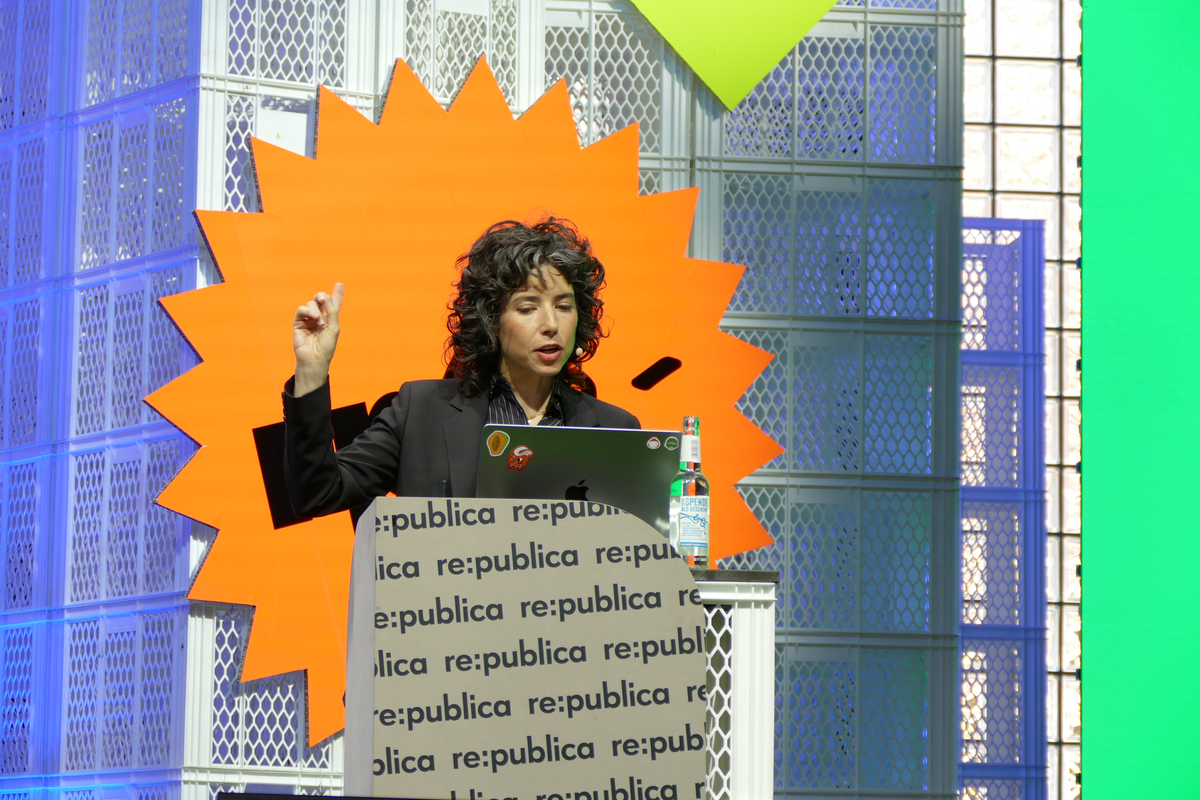
Featured image: Signal president Meredith Whittaker speaking at the re:publica conference in Berlin, June 2023. Photo: Kritzolina via Wikimedia Commons, licensed CC BY-SA 4.0 (resized).