Apple has pushed out a round of security updates for iPhone, iPad, Mac, Apple Watch and Vision Pro. The headline fix closes a hole in iMessage that, according to Apple, could have let a remote attacker join a group chat and receive its messages. The updates also fix several Bluetooth and AirPlay pairing flaws that someone nearby could have used.
The updates appeared early on Tuesday 10 November, Australian eastern time (Apple dates them 9 November, US time). Apple has not said that any of the flaws were used in real attacks. Even so, the details are now public, so it is worth installing the update this week. Here is what was fixed, which version each of your devices should be on, and which older devices miss out.
What Apple fixed
Apple’s security notes for iOS 27.2.1 and iPadOS 27.2.1 list nine fixes. Apple describes each one in a single line, so the summaries below come from its own wording:
- iMessage group chats (two flaws). One could let “a remote attacker” join an iMessage group chat and receive its messages. The other could let a person added to a group read “messages sent before they joined”. Apple fixed the first with better checks and the second by removing the code responsible. Both were reported by anonymous researchers.
- Bluetooth pairing. Two flaws in a system component called CoreUtils could let a malicious Bluetooth device pair “without user interaction”, or get around the limit on how many pairing codes can be tried.
- AirPlay pairing codes. Two more fixes stop an attacker within Bluetooth range, or on the same network, from getting around the limit on AirPlay pairing code attempts.
- Bluetooth memory corruption. An attacker in Bluetooth range could corrupt memory through a “use-after-free” bug, a common type of programming error.
- Apps and file handling. An App Intents flaw could let an app reach “sensitive user data”, and a bug in brotli, a widely used data-compression library, could cause memory corruption when the device processed maliciously crafted data.
Apple credits its own staff with finding four of the flaws. As MacRumors and AppleInsider note, it is a small release next to iOS 27.2 two weeks ago. Apple’s iOS release notes describe iOS 27.2.1 only as “bug fixes and security updates”, with no new features.
Our read: the iMessage bugs are the ones most people will care about, because group chats with family, friends and colleagues are where a lot of private conversation happens. The Bluetooth and AirPlay flaws need the attacker to be nearby or on the same network, which limits them, but they are the sort of thing that matters in airports, offices and shared Wi-Fi. Apple has not said how hard any of these would be to exploit in practice.
Which update each device needs
Apple’s security releases page lists these versions, all released on 9 November (US time):
- iPhone 11 and later, and newer iPads: iOS 27.2.1 or iPadOS 27.2.1.
- iPhones and iPads still on iOS 26: iOS 26.7.3 or iPadOS 26.7.3 has the same iMessage and Bluetooth fixes, so you can stay on iOS 26 and still be protected. It also covers some older iPads that cannot run iOS 27, including the 8th-generation iPad and 3rd-generation iPad Air.
- iPhone XS, XS Max, XR and 7th-generation iPad: iOS 18.7.12 or iPadOS 18.7.12.
- Mac: macOS Golden Gate 27.2.1, or macOS Tahoe 26.7.3 and macOS Sequoia 15.8.3 if you are on an older version. All three include the iMessage fixes.
- Apple Watch Series 9 and later: watchOS 27.2.1.
- Apple Watch Series 6, 7, 8, SE (2nd generation) and the first Ultra: watchOS 26.6.1.
- Apple Vision Pro: visionOS 27.2.1.
Who misses out
Not everything got a patch. Apple’s notes for iOS 18.7.12 and watchOS 26.6.1 cover the Bluetooth and AirPlay fixes but do not list the two iMessage fixes. Apple does not say whether that is because those versions were never affected, so we can’t tell you either way. The iOS 18.7.12 update also fixes a separate flaw that could let someone holding a locked iPhone pair it with an AirPlay receiver from the Lock Screen.
Older devices are not in this round at all. The iPhone 8 and iPhone X last received a security update in May (iOS 16.7.16), according to Apple’s release list. There are also no new versions for Apple TV or HomePod. 9to5Mac suggests those could follow later this week, but Apple has not confirmed that.
How to update
Apple’s support guides cover each device. In short:
- iPhone or iPad: back up first, then go to Settings > General > Software Update and tap Download and Install. Apple’s iPhone and iPad guide also explains Automatic Updates, which installs updates overnight while the phone is charging on Wi-Fi.
- Apple Watch: update your iPhone first, keep the watch at least 50% charged and on its charger, then use the Watch app on your iPhone (General > Software Update) or Settings on the watch. Apple’s Apple Watch guide says it can take up to an hour.
- Mac: System Settings > General > Software Update. See Apple’s Mac update guide.
- Work devices: if your phone or laptop is managed by your employer, your IT team may hold updates back for testing, so check with them before assuming you are covered.
If you held off on iOS 27 because of our launch-day advice, iOS 26.7.3 means you don’t have to move to iOS 27 to get these fixes. For more on Apple’s other recent security and privacy changes, see our report on Apple scanning public iCloud links.
Apple’s security pages and the independent reports linked here were current at the time of writing. We will update this article if Apple says any of these flaws were exploited, or if Apple TV and HomePod updates arrive.
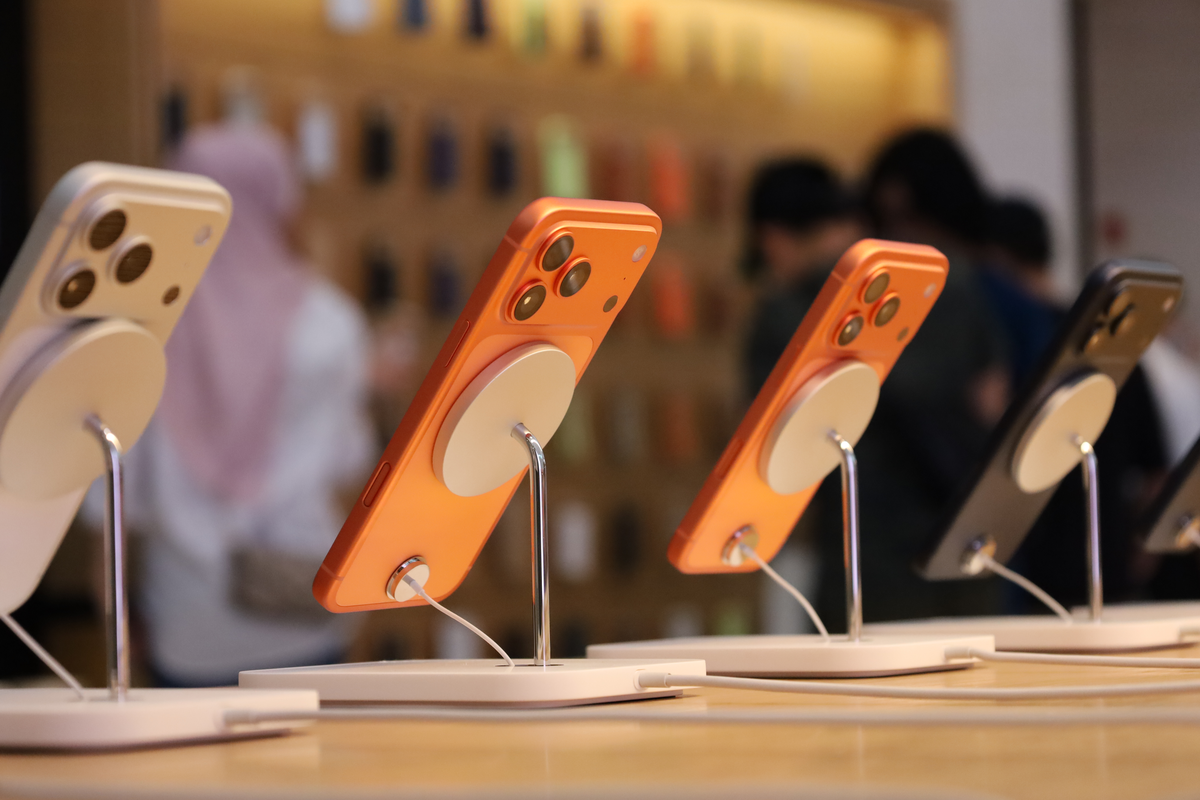
Featured image: iPhone 17 Pro models on display at Apple The Exchange TRX in Kuala Lumpur on iPhone 17 launch day, September 2025. Photo: Ahmad Ali Karim for Wikimedia Malaysia via Wikimedia Commons, released under CC0 1.0 (public domain); resized and converted to PNG. Apple trademarks are shown for editorial purposes and do not imply endorsement.