If you’ve pre-ordered Grand Theft Auto VI, the countdown that matters most isn’t launch day. It’s tonight. Rockstar says digital pre-loading opens on Tuesday 10 November, and in Australia that means PlayStation 5 owners can start downloading at midnight, with Xbox players following later that morning.
The download is huge. Rockstar says the pre-load file needs “up to 212 GB depending on your device”, which is enough to fill a big chunk of a console’s SSD and to keep a typical home connection busy for hours. The game itself unlocks at midnight local time on Thursday 19 November, so the nine-day pre-load window is really there to stop launch night turning into a progress-bar marathon.
Here’s what has been confirmed, what it means in Australian time zones, and what to check before you go to bed.
What Rockstar confirmed
Rockstar announced the schedule on its Newswire on 3 November (US time), and its official Japanese press release repeats the same details. The two consoles work differently:
- PlayStation 5: pre-loading begins at midnight local time on Tuesday 10 November, in each player’s own time zone.
- Xbox Series X|S: pre-loading begins at the same moment worldwide, 12am GMT on Tuesday 10 November.
- Code-in-box retail copies: these should reach retailers from Thursday 12 November, so boxed buyers can’t start pre-loading until they have their code.
- Size: up to 212GB for the pre-load file, depending on the console.
Sony’s Australian GTA VI support page matches Rockstar’s PS5 timing: pre-load “starts at midnight local time on November 10, 2026”, the game “releases at midnight local time on November 19, 2026”, and players should “ensure you have 212 GB of storage space available.” Sony’s own PlayStation Blog post says pre-download is for people who have pre-ordered.
The date has been a long time coming. Rockstar moved the launch to 19 November 2026 a year ago, after an earlier delay had already pushed it into 2026. So far Rockstar has only announced PS5 and Xbox Series X|S versions. There’s no PC release date.
When pre-loading starts where you live
Because the Xbox pre-load opens at a single global time, its start time changes across the country. We converted 12am GMT on 10 November into Australian times:
- Sydney, Melbourne, Canberra and Hobart (AEDT): 11am Tuesday
- Adelaide (ACDT): 10:30am Tuesday
- Brisbane (AEST): 10am Tuesday
- Darwin (ACST): 9:30am Tuesday
- Perth (AWST): 8am Tuesday
On PS5 it’s simpler: according to Rockstar and Sony, the pre-load opens as 10 November begins locally. Wherever you are in Australia, that’s midnight tonight, Monday night into Tuesday.
Launch works on local time too. Sony confirms a midnight local unlock on PS5, and a Rockstar Support article on regional release times says the game goes live at midnight local time on 19 November on both consoles. (That page wouldn’t load for us, so we’re relying on Kotaku’s time-zone table and GTAVice’s quote of it.) That makes it a rolling release rather than one global unlock. New Zealand gets it first, with Australia close behind. The Australian Xbox Store listing fits that for the eastern states: its release timestamp is 13:00 UTC on 18 November, which is exactly midnight AEDT. The pages we checked don’t spell out whether Xbox owners in Perth, Adelaide or Brisbane unlock at their own local midnight or at the same time as Sydney, so if you’re outside AEDT, check the countdown in your console’s game library closer to the day.
Why 212GB is the real problem
Rockstar’s figure is a maximum (“up to 212 GB depending on your device”), and sizes can differ slightly between PS5 and Xbox. Sony’s advice to PS5 owners is to keep the full 212GB free. GamesRadar+ notes that pre-load downloads and final install sizes can differ. Day-one patches commonly need extra space as well. Leaving a margin above 212GB is the sensible approach.
How much of a squeeze that is depends on your console. Kotaku’s estimate is that 212GB is about a third of the usable storage on a launch-model PS5 and about a quarter on 1TB models. On an Xbox Series S, it’s closer to half. Series S owners in particular may need to delete or move several games.
Then there’s the download itself. As a rough guide (our own arithmetic, not a Rockstar figure), 212GB at a steady 50Mbps, the full speed of an NBN 50 plan, takes around nine and a half hours. At 100Mbps it’s under five hours. At 25Mbps it’s close to 19 hours. Real speeds will probably be slower, because millions of people will be pulling the same file from PlayStation and Xbox servers at once, and your own network may be shared with other devices. PS5 owners in Australia do have one advantage: because PlayStation pre-loads open at local midnight, we start hours before Europe and the Americas. Xbox pre-loads open at the same moment everywhere, so there’s no head start there.
If you’re on a plan with a data cap, 212GB will eat a big share of it in one go, and you’ll need to allow extra for patches.
What to check before tonight
Sony’s Australian support page sets out a PS5 checklist. In short:
- Confirm the pre-order: check your PlayStation Store order history while signed in to the account that bought the game.
- Turn on auto-download: in Game Library, select the GTA VI countdown timer and make sure auto-download is ticked.
- Let rest mode download: enable Settings > System > Power Saving > Features Available in Rest Mode > Stay Connected to the Internet, then put the console into rest mode before pre-load starts.
- Free up space and update: check Settings > Storage, and turn on automatic system software updates.
- Shared console? Turn on Console Sharing and Offline Play so other accounts on the same PS5 can play.
If the download appears in Downloads/Uploads but doesn’t move, Sony suggests pausing and resuming it. If that fails, cancel and delete it, then re-enable auto-download from the library. On Xbox, Rockstar’s pre-load FAQ (as summarised by GTAVice) says automatic updates need to be on and the console either powered on or set to Sleep mode, so it can download unattended.
Prices, editions and boxed copies in Australia
When we checked the Australian Xbox Store on 9 November, the standard edition was listed at A$129.95, the Ultimate Edition at A$159.95, and an Ultimate Edition upgrade at A$30. The listing shows the game as Restricted, for ages 18 and over. It says buying before the end of 19 November earns a Vintage Vice City Pack and one month of GTA+, which must be redeemed within 180 days of pre-ordering. Retail prices vary, so compare before you buy.
Two details catch people out with boxed copies. First, Sony says the PS5 code-in-box version “will only contain a game download code”, with no disc, so you still download the full game. Second, those codes arrive from 12 November, two days after digital buyers can start. Sony also says upgrading to the Ultimate Edition from a standard digital or code-in-box copy is only possible through the PlayStation Store.
Sony’s language table lists English as the only voice language, with on-screen text in 13 languages. Rockstar says a printable cover-art poster and a map of Leonida will be free to download from its website on launch day, with a physical double-sided print to follow on the Rockstar Store.
What we still don’t know
Rockstar hasn’t published separate PS5 and Xbox download sizes, the size of any launch-day patch, or whether the final install will be larger than the pre-load. Nor has it said anything about server capacity for what is likely to be one of the biggest download events consoles have seen. In the official material we checked, “up to 212 GB” is the only size figure.
The bottom line
Our take: the most useful thing you can do for GTA VI this week isn’t reading leaks. It’s clearing storage. Free up comfortably more than 212GB today, check auto-download and rest or sleep mode settings, and let the console download overnight while the servers are relatively quiet. Do that and the game should simply be waiting for you when the 19th ticks over. If you’re also weighing up where your gaming money goes this month, our look at whether Xbox Game Pass is still worth it in Australia breaks down the subscription side.
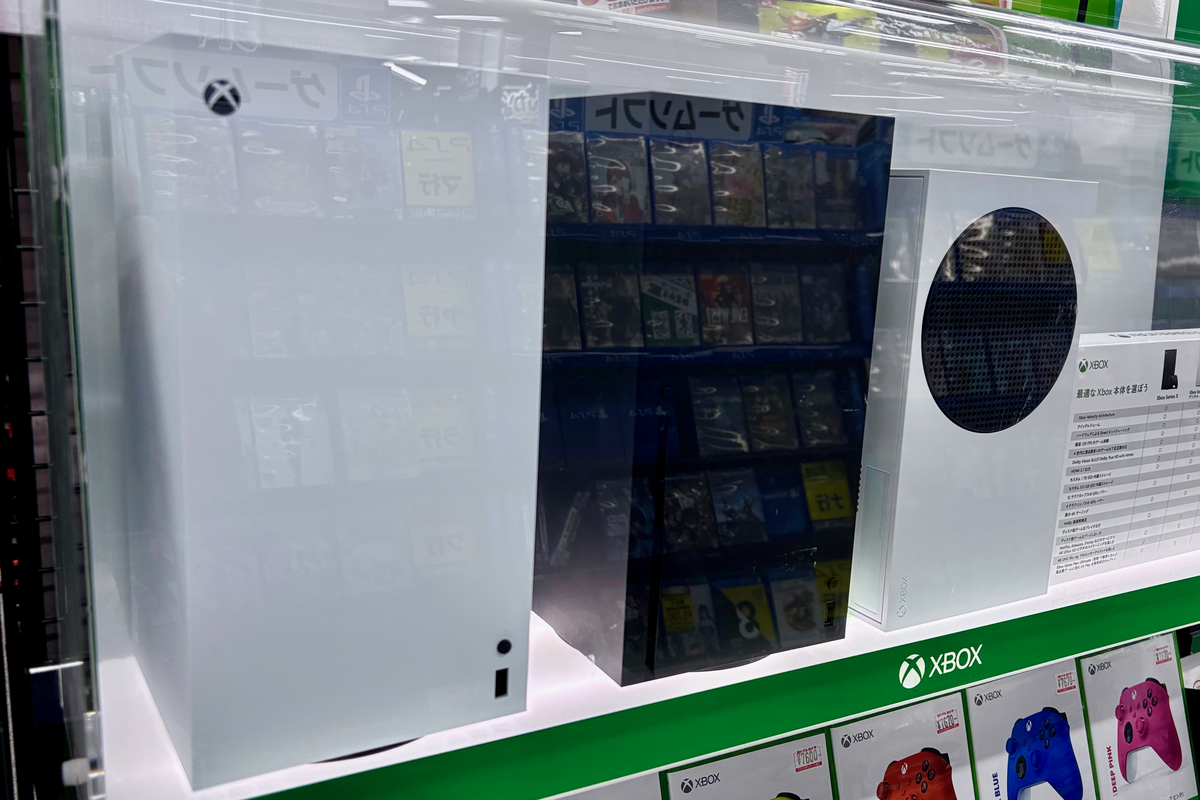
Featured image: Xbox Series X and Xbox Series S on display in an electronics store in Nagoya, Japan, photographed by Kyu3a via Wikimedia Commons, licensed CC BY-SA 4.0; cropped, resized and converted to PNG. Xbox is a trademark of Microsoft; no endorsement implied.